Ticketmaster Error Code U521: What It Means and How to Fix It
2026-03-11


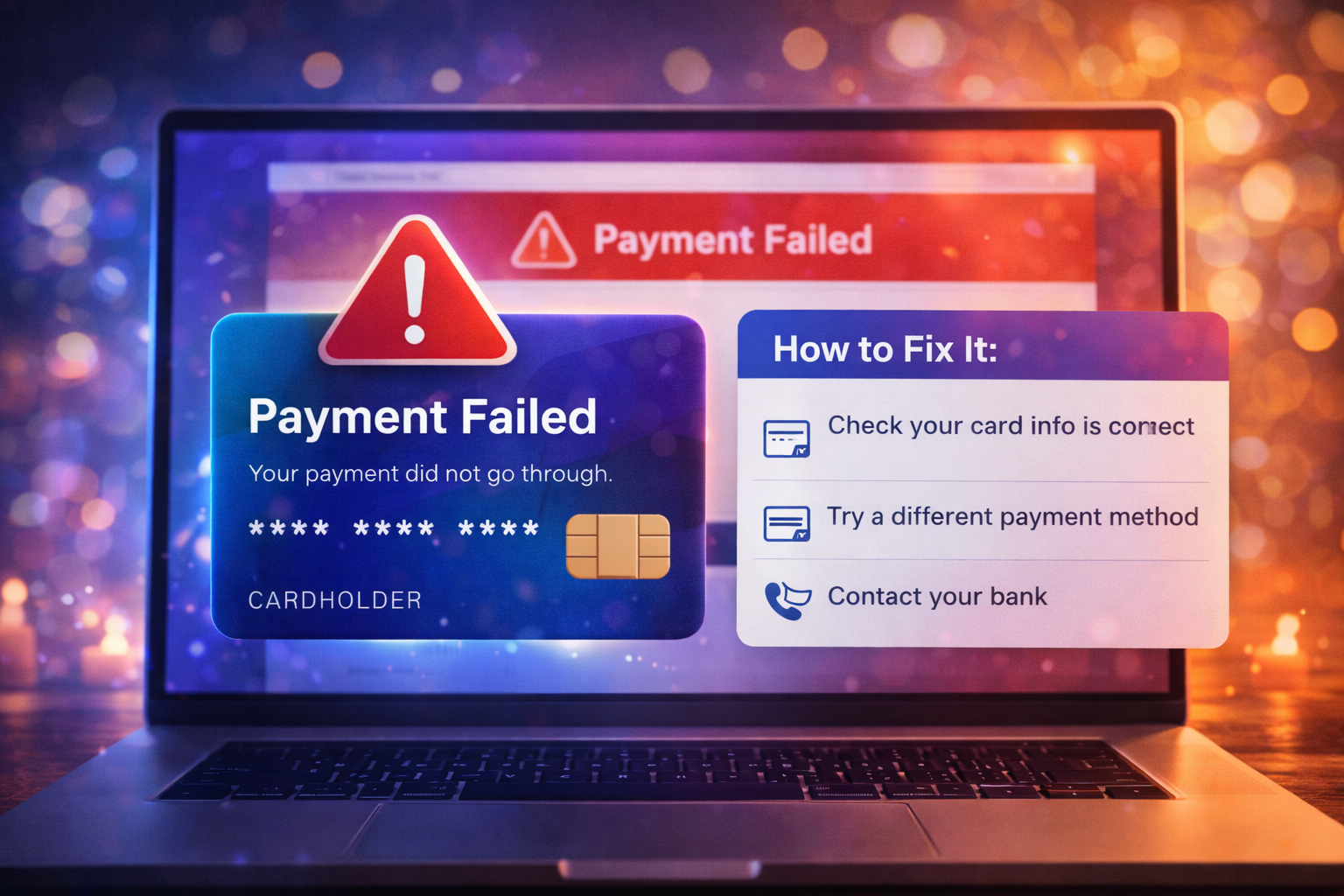
If Ticketmaster keeps declining your card, the problem may not be as simple as insufficient funds. Card declines during ticket checkout can happen because of billing mismatches, bank fraud screening, repeated retries, broken sessions, or even inventory issues that appear as payment failures.
That is why a good troubleshooting guide should not start with “just try again.” Repeating the same broken checkout flow can create more declined attempts and more confusion.
This guide explains:
If the billing ZIP code, address, expiration date, or CVV does not match the issuer’s records exactly, the charge may fail.
Banks often flag large entertainment purchases, repeated rapid transactions, or unusual digital behavior as suspicious.
Repeated retries in a short period can trigger both platform-side and bank-side risk systems.
A bad session can make a valid card look like the problem.
Sometimes the card is not the issue at all. The seats may be gone by the time the payment is processed.
Use the following order instead of guessing.
Check:
Small mismatches matter.
Look for:
If the bank is blocking the charge, no amount of browser refreshing will solve it.
Before retrying, confirm:
This prevents accidental duplicate purchases.
Close duplicate tabs and use one logged-in session only.
Incognito or private mode can remove stale cookies and broken stored checkout state.
Disable:
Weak or unstable connections can break checkout at the worst moment.
Using a different card can help if:
But do not cycle through many cards in rapid succession. That can look risky to issuers and create more failed authorizations.
Your card may not be the real issue if:
In those cases, the problem may be inventory or platform strain.
A failed checkout can still create a pending authorization. If you see activity on your bank statement:
Pending authorizations often disappear, but a posted charge without an order needs follow-up.
Preparation matters more than buyers think.
Before sale day:
Faster checkout reduces the chance of timeout and repeated risk signals.
If the official checkout is failing, do not let frustration push you into unsafe buying:
Card declines are stressful, but scams are worse.
If Ticketmaster keeps declining your card, troubleshoot methodically. Start with billing accuracy, then check your bank, then clean up the browser and session state before retrying. Do not treat every decline as a pure card problem, because some are really inventory or platform issues in disguise.
The simplest path is:
That gives you the best chance to solve the problem without creating more payment confusion.
If you are having trouble purchasing tickets online, comparing resale listings, or dealing with confusing checkout errors, our team at USA Tickets Exchange can help.
We regularly assist customers with finding available seats, navigating ticket marketplaces, and securing tickets for high-demand events.
If you would rather have a real person help you through the process, contact our team and we will guide you through booking your tickets safely.