Why Ticketmaster Keeps Declining My Card (Complete Troubleshooting Guide)
2026-03-11

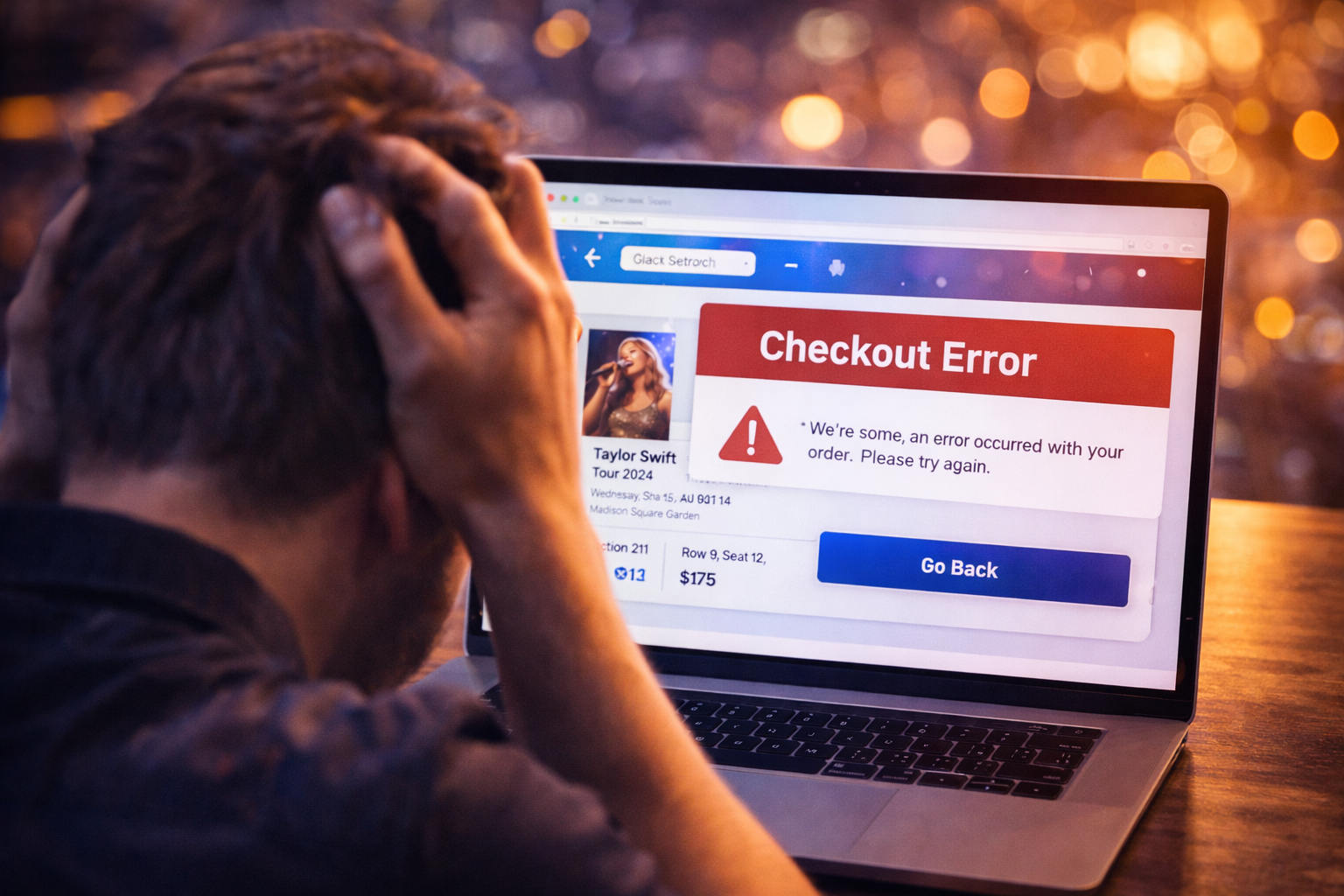
Ticketmaster error code U521 usually shows up when the platform cannot keep your session, inventory selection, and checkout flow aligned. The frustrating part is that the code does not tell buyers exactly which piece failed, so people often start clicking randomly and make the problem worse.
In practice, U521 is best treated as a session or transaction-state problem. It can appear while tickets are being selected, while the cart is trying to update, or while the site is moving you from seat selection toward payment. That does not always mean your card is the issue.
Ticketmaster does not always publish a plain-English explanation for every internal code, but U521 is commonly associated with one of these breakdowns:
The practical takeaway is simple: the system lost confidence in your current purchase state.
If you were in the queue, then selected seats, then got redirected or paused too long, your purchase state may no longer match the current inventory.
Old cookies, corrupted cached scripts, privacy extensions, or an unstable browser session can interrupt the checkout process.
In fast sales, seats disappear constantly. Sometimes the visible error is just the final result of tickets no longer being lockable.
High-demand onsales increase the odds of strange platform behavior. When the site is under strain, minor session problems turn into visible errors faster.
The first priority is to avoid creating duplicate payment or cart problems.
Do this first:
This step matters because some transactions look like failures even though part of the purchase went through.
Instead of clearing everything blindly, start by clearing Ticketmaster-related site data. That often removes the broken session state causing the repeat error.
Incognito or private browsing starts a fresh session with fewer conflicting stored values. This is one of the safest ways to test whether the issue is browser state rather than your account or payment method.
Temporarily turn off:
These tools can be useful generally, but they sometimes break ticket checkout flows.
If the error persists in one browser, switch once to another clean browser. Do not keep retrying in five tabs at the same time.
Certain actions increase the chance of a worse outcome:
The goal is to fix the session without creating duplicate holds or locking yourself into another broken state.
Yes. A visible error on the front end does not always mean the payment process never started. You may see:
That is why you should always check your order history and email before trying again.
Support is worth contacting if:
Have these details ready:
You cannot prevent every platform-side error, but you can lower the risk:
Ticketmaster error code U521 is usually a sign that something in the session or transaction flow broke before checkout finished cleanly. The best fix is controlled troubleshooting, not faster clicking.
Start by confirming whether an order exists, clean up your browser state, retry in one fresh session, and avoid duplicating payment attempts. That gives you the best chance of solving the problem without creating a new one.
When a ticket platform problem appears, buyers usually lose the most time by jumping between random fixes. Use a controlled checklist instead:
That process is usually safer than repeated clicks, constant refreshes, or switching between multiple devices.
Support moves faster when you can explain the issue precisely. Save the event name, venue, timestamp, screenshot of the message, and the last four digits of the payment method if billing is involved. If your bank shows a pending or posted charge, note the amount and time as well.
Precise documentation matters because many ticket-platform problems involve session state, order timing, or pending authorizations that are hard to reconstruct later.
If you are having trouble purchasing tickets online, comparing resale listings, or dealing with confusing checkout errors, our team at USA Tickets Exchange can help.
We regularly assist customers with finding available seats, navigating ticket marketplaces, and securing tickets for high-demand events.
If you would rather have a real person help you through the process, contact our team and we will guide you through booking your tickets safely.