SeatGeek Payment Failed: How to Fix Checkout Problems
2026-03-11


If you searched for “Why is SeatGeek charging me twice,” the first thing to know is that a duplicate-looking charge is not always a true double charge. In many cases, what you are seeing is a combination of one completed order and one pending authorization, or two temporary holds created by repeated checkout attempts.
That does not make the situation less frustrating. When a second charge appears on your bank app, most buyers assume the payment actually posted twice. Sometimes that happens, but very often the issue is a pending hold that drops away once the payment processor and card network finish reconciling the transaction.
This guide explains:
Most duplicate payment complaints come from one of these patterns:
This is the most important distinction. A pending authorization is not always a completed charge. It is a temporary hold used to verify available funds. A posted charge is the actual settled payment.
If you see:
then the issue may resolve automatically without a refund request.
From a payments perspective, checkout systems can create more than one authorization if the user or the platform retries the payment before the first attempt fully clears. This is especially common when:
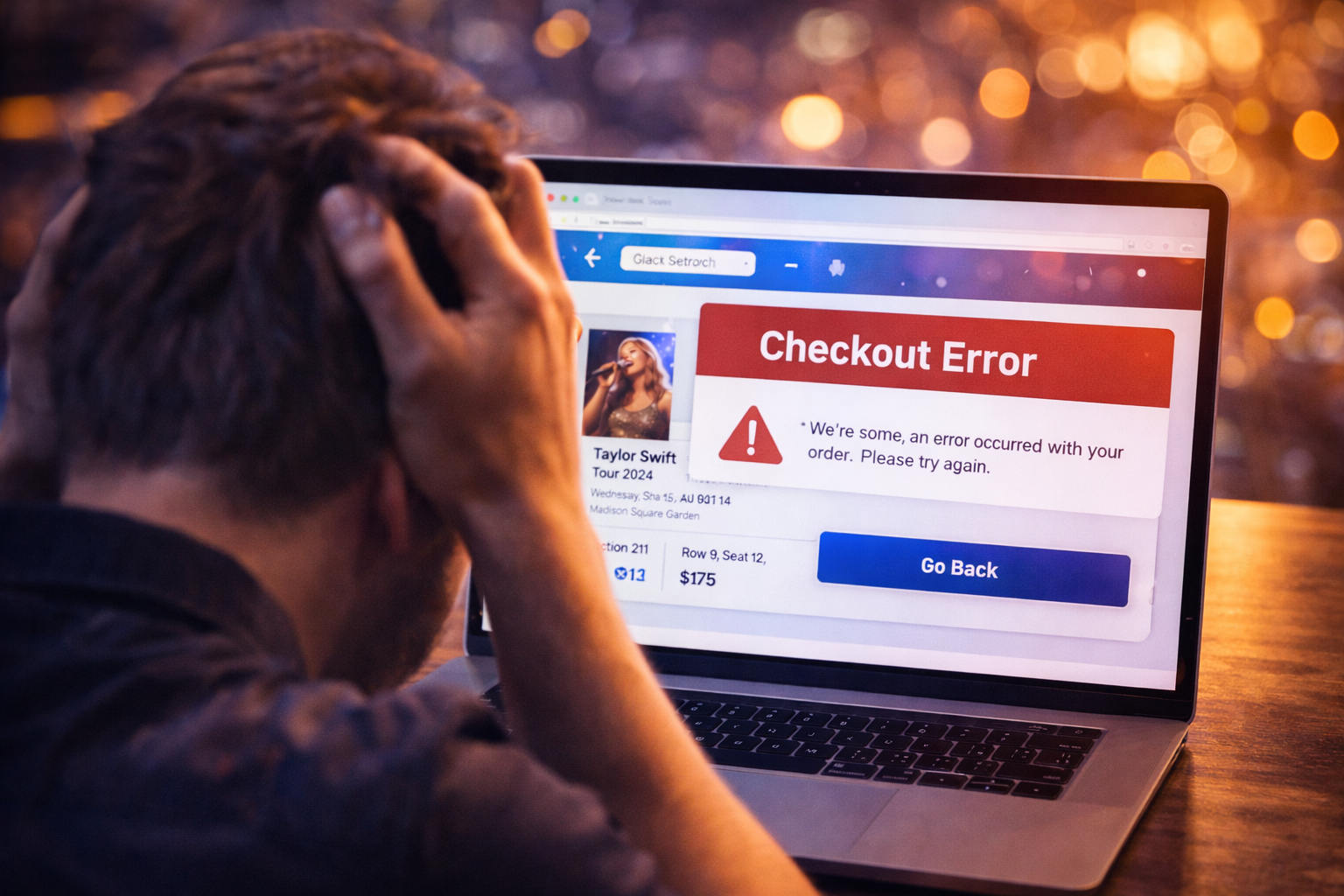
A checkout failure message does not always mean the payment attempt died cleanly. Sometimes the merchant or bank has already placed a hold by the time the error appears on screen.
Before contacting support, check a few things carefully.
Look for:
If there is only one order and one extra pending line on your bank statement, it may be an authorization hold rather than a second ticket purchase.
Banks often label transactions differently:
If both are posted and settled, you may be dealing with a real duplicate charge.
Did you receive:
Email evidence helps determine whether the problem is with ticket issuance or with the payment hold alone.
If the extra charge is still pending, the first move is patience plus documentation. Many pending holds disappear within a short window once the system clears the failed authorization.
When you contact support, provide:
The answer depends on the issuing bank, payment processor, and whether the authorization was successfully reversed. Some holds fall off quickly. Others linger longer because the bank does not immediately release them.
The delay may be longer if:
This is one reason many experienced buyers prefer a credit card for ticket purchases. Credit cards usually provide cleaner dispute handling and less cash-flow pressure than debit cards.
You can reduce the risk of duplicate payment issues with a few habits:
Do not immediately start over. Instead:
This sequence often prevents accidental second purchases.
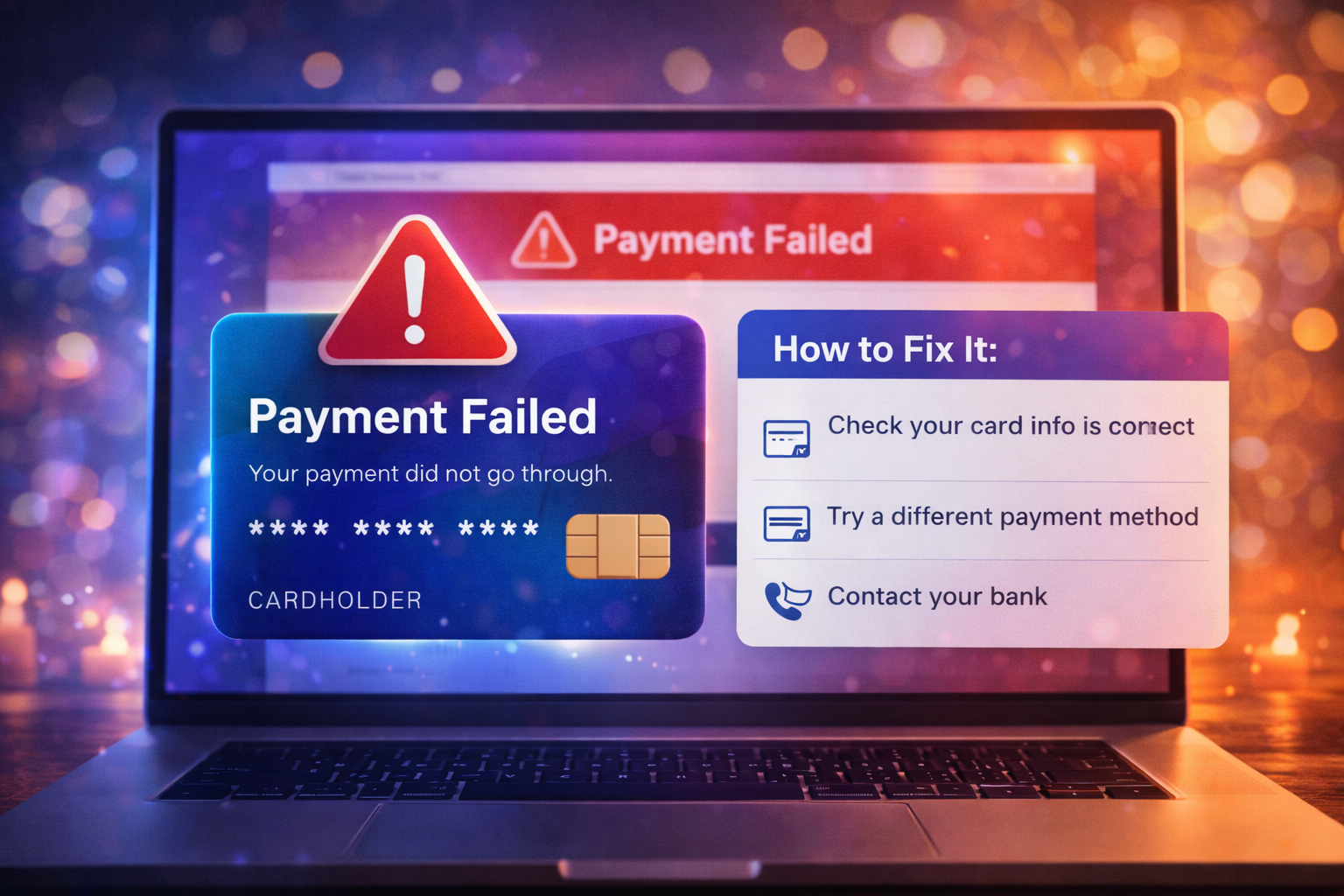
When buyers panic, they often create more issues than the original error. If payment looks broken:
If you are forced to try again, make sure the first order truly failed before placing a new one.
Your bank may be the better first contact if:
SeatGeek support is usually better for:
If SeatGeek looks like it charged you twice, start by separating a pending authorization from a real posted duplicate payment. That distinction solves a large percentage of billing scares. Then use order history, email confirmations, and statement status to determine whether the charge is temporary or settled.
The safest response is to stay methodical:
That approach gives you the best chance to fix the problem quickly without making the checkout situation worse.
If you are having trouble purchasing tickets online, comparing resale listings, or dealing with confusing checkout errors, our team at USA Tickets Exchange can help.
We regularly assist customers with finding available seats, navigating ticket marketplaces, and securing tickets for high-demand events.
If you would rather have a real person help you through the process, contact our team and we will guide you through booking your tickets safely.