
Are StubHub Tickets Legit? What Buyers Should Know
2026-03-14

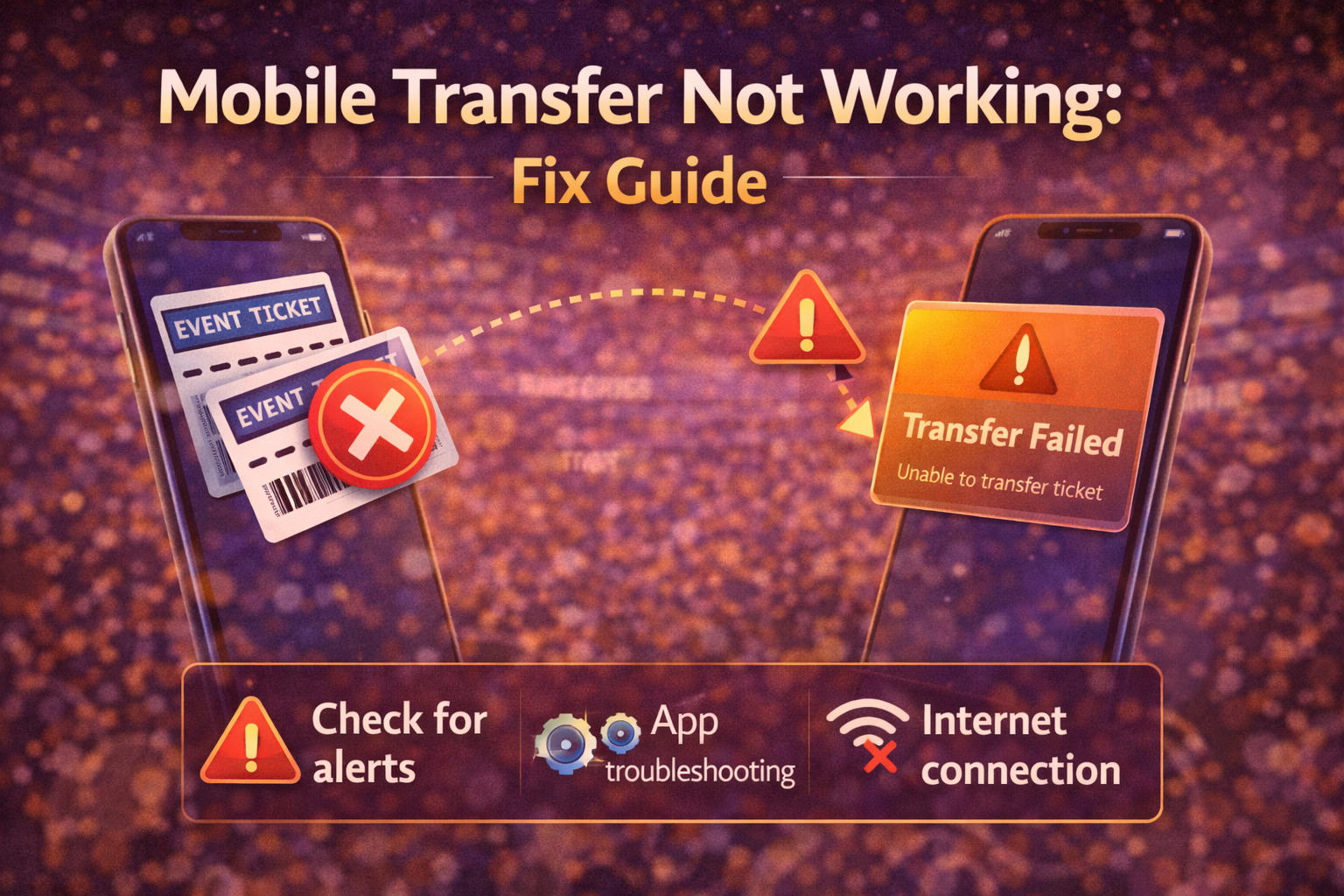
When Ticketmaster mobile transfer fails, buyers often assume the app is broken. Sometimes it is. But many transfer problems are actually caused by event rules, wallet limitations, multiple-device conflicts, or delayed transfer activation.
The fix depends on which part is failing:
Ticketmaster’s help guidance says transfer can be unavailable for several legitimate reasons:
This is important because buyers often spend an hour troubleshooting a feature that is intentionally disabled.
Before trying complicated fixes, confirm:
If the Transfer button is absent and the organizer has not enabled transfer, no browser trick will fix that.
Ticketmaster specifically suggests checking for issues like:
The cleanest fix sequence is:
Ticketmaster’s help guidance for Apple Wallet notes a few common causes:
If the pass is disabled or you see a device limit problem, go back to the Ticketmaster app first. The app is the source of truth. Wallet should be the convenience layer, not the troubleshooting layer.
If a wallet ticket appears invalid, Ticketmaster says the ticket may have been transferred, sold, or canceled. That means you should check the live status in the Ticketmaster account rather than relying on an old wallet pass.
Screenshots are not a safe fallback for mobile-only events.
Always start in the actual Ticketmaster account where the order lives.
Old software is a common reason wallet-related steps fail.
Recipients should accept transfers using the intended email or phone details.
Public Wi-Fi and spotty signal can interrupt verification or acceptance steps.
If you are sending tickets to someone else, tell them to:
Many buyers keep re-clicking one-time delivery links instead of opening the destination app.
Reach out if:
If Ticketmaster mobile transfer is not working, do not assume the solution is always technical. Many problems come from organizer restrictions, delayed transfer activation, wallet-link limits, or multi-device conflicts.
Start by confirming the event actually allows transfer, then use one clean session, update the app and phone, and treat the Ticketmaster account itself as the authoritative source. That gives you the fastest path to a real fix.
When a ticket platform problem appears, buyers usually lose the most time by jumping between random fixes. Use a controlled checklist instead:
That process is usually safer than repeated clicks, constant refreshes, or switching between multiple devices.
Support moves faster when you can explain the issue precisely. Save the event name, venue, timestamp, screenshot of the message, and the last four digits of the payment method if billing is involved. If your bank shows a pending or posted charge, note the amount and time as well.
Precise documentation matters because many ticket-platform problems involve session state, order timing, or pending authorizations that are hard to reconstruct later.
The best long-term prevention is account hygiene. Keep one current payment method on file, sign in before the sale begins, avoid heavy privacy extensions during checkout, and use one browser session instead of several. Those habits will not eliminate every issue, but they remove many buyer-created problems that make platform failures harder to fix.
If the same platform error keeps appearing after one clean retry, repeated clicking usually lowers your odds instead of raising them. At that point, it is safer to check for order confirmation, document the issue, and switch to support or a later retry window. Controlled troubleshooting protects both your payment method and your account history.
If you are having trouble purchasing tickets online, comparing resale listings, or dealing with confusing checkout errors, our team at USA Tickets Exchange can help.
We regularly assist customers with finding available seats, navigating ticket marketplaces, and securing tickets for high-demand events.
If you would rather have a real person help you through the process, contact our team and we will guide you through booking your tickets safely.