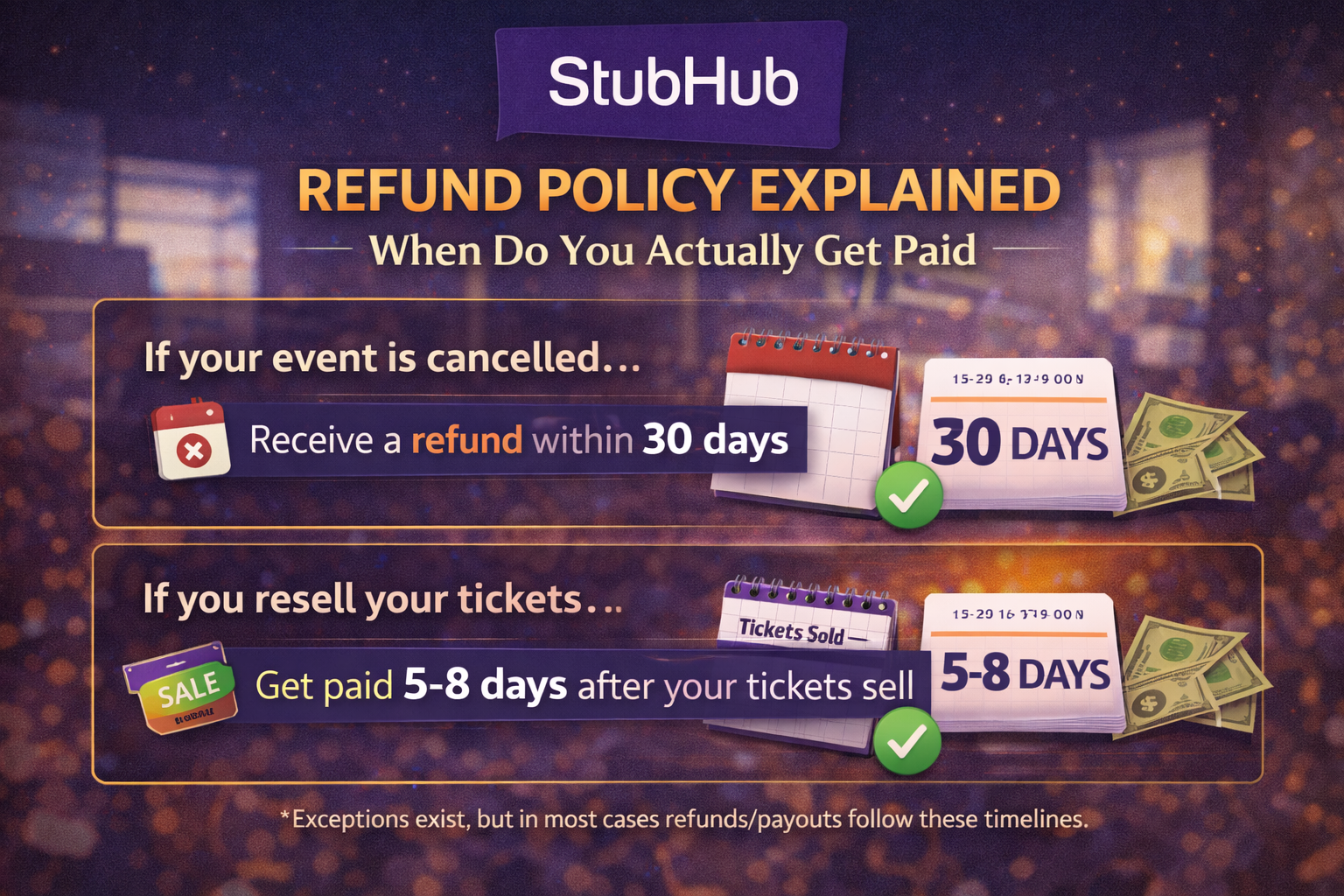
StubHub Refund Policy Explained: When Do You Actually Get Paid
2026-03-11


Many sellers search for the StubHub payment settlement timeline because the payout process can feel opaque. A sale looks complete from the buyer side long before the seller actually receives funds. That gap creates confusion, especially when delivery has already happened and the event date is getting close.
The key point is that seller payouts on a resale platform are not triggered by sale creation alone. They usually depend on several internal checkpoints tied to order validity, ticket delivery, event completion, and fraud control.
If you are trying to understand StubHub seller payouts, this article breaks the process into practical stages.
At a high level, the payment lifecycle usually looks like this:
That means a successful sale is only one step in a broader settlement chain.
From a platform operations standpoint, delaying payout reduces risk. The marketplace needs time to confirm:
This is why many sellers asking about the StubHub payout timeline feel confused. They assume delivery alone should trigger payment, but platform settlement logic usually places more weight on event completion and dispute exposure.
When a buyer purchases your listing, the order enters a processing state. That does not mean the seller payout is pending immediate release. It means the marketplace now expects a valid fulfillment action tied to your listing terms.
This stage matters heavily. If the tickets are mobile transfer tickets, the seller usually has to complete transfer using the supported workflow. If the transfer status is incomplete, mismatched, or delayed, settlement may stall.
Common issues here include:
After the event date, the platform may keep the order in a reviewable state long enough to catch buyer complaints or entry failures. This period can vary, but from a technical risk perspective it acts as a buffer before cash is released.
Once the marketplace releases funds, your payout method still needs to process the transfer. That adds another layer of timing.
Sellers often assume delays mean something is wrong with the payout provider. In reality, the bottleneck can happen at several different points.
If you are trying to trace a payout, separate platform-side delay from bank-side delay. Those are not the same thing.
From a systems perspective, seller payout release usually depends on status transitions. While each platform uses its own internal states, the logic often resembles this:
sale_createdseller_fulfillment_requireddelivery_confirmedevent_completedrisk_hold_clearedpayout_releasedfunds_disbursedThe important point is that the order is not economically final until the later statuses are cleared. A seller looking only at the visible transfer status may think the order is done, while the marketplace still sees unresolved risk conditions.
If a dispute appears, the platform may review:
That is why sellers should document every step.
If you want a smoother settlement timeline, process discipline matters.
Use this checklist:
This will not force a faster release, but it makes support escalation much cleaner if something stalls.
Even though this article focuses on seller payouts, buyer and seller safety are connected. Cleaner transactions create fewer disputes and faster settlement outcomes.
Good safety practice includes:
For buyers, the same logic applies: use supported checkout, verify event details, and avoid direct payment requests.
Support escalation is reasonable when:
When contacting support, provide structured information instead of a general complaint. Include:
That improves the odds of a useful response.
The StubHub payment settlement timeline makes more sense once you stop viewing it as a single payment event and start viewing it as a staged verification workflow. Seller payouts depend on successful fulfillment, post-event validation, and risk clearance, not just a completed sale.
If you want fewer payout problems:
That technical mindset helps sellers manage expectations and reduce avoidable settlement friction.
If you are having trouble purchasing tickets online, comparing resale listings, or dealing with confusing checkout errors, our team at USA Tickets Exchange can help.
We regularly assist customers with finding available seats, navigating ticket marketplaces, and securing tickets for high-demand events.
If you would rather have a real person help you through the process, contact our team and we will guide you through booking your tickets safely.